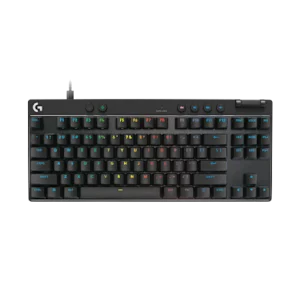
 LOGITECH G HUB



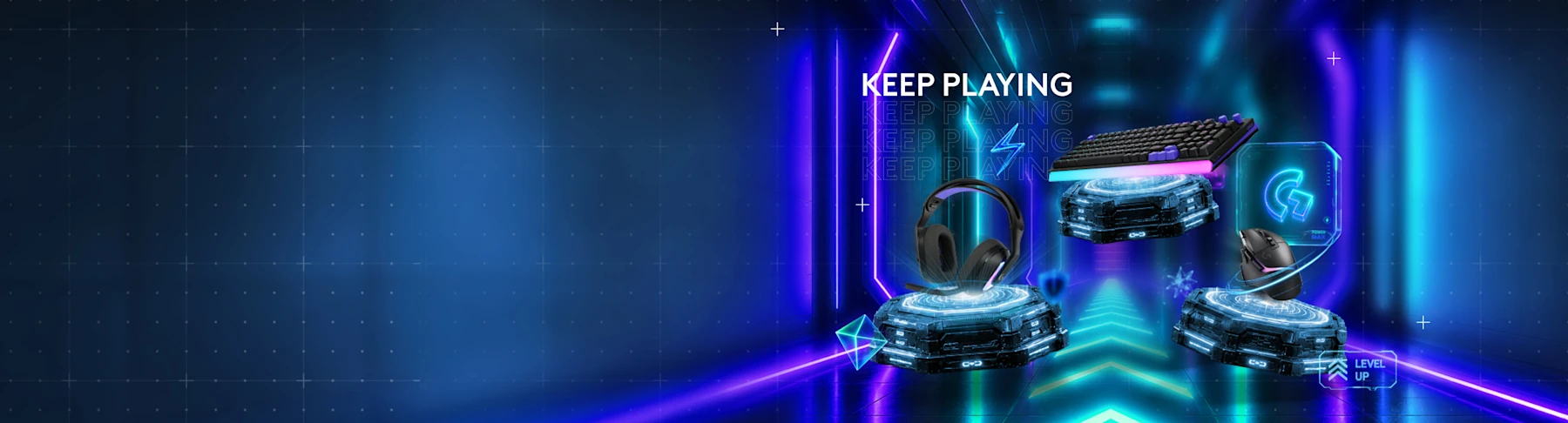
Epic upgrades. Infinite play.
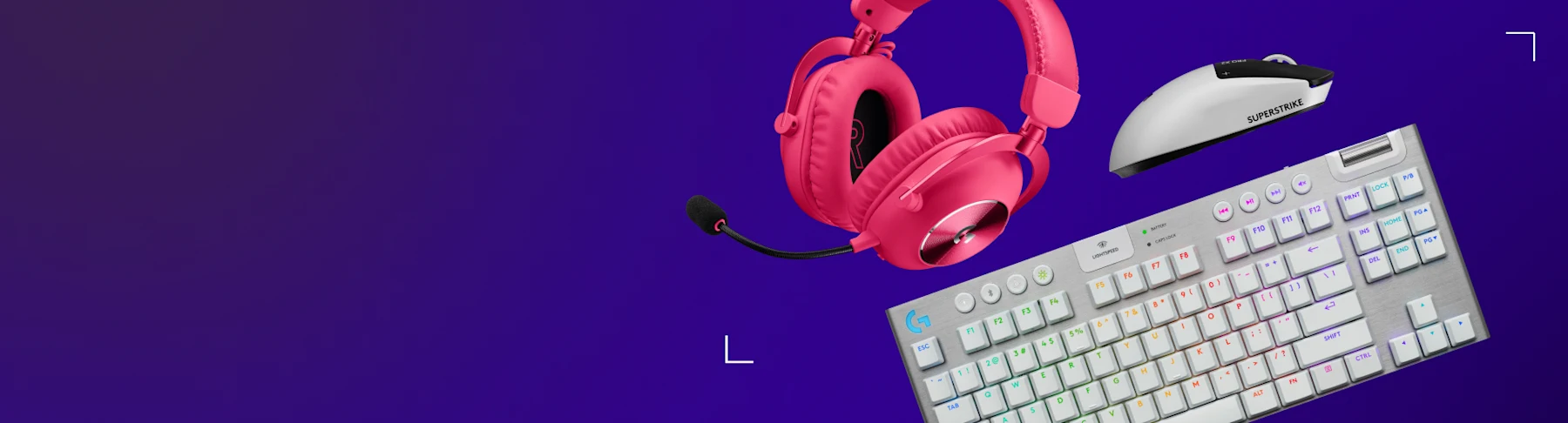
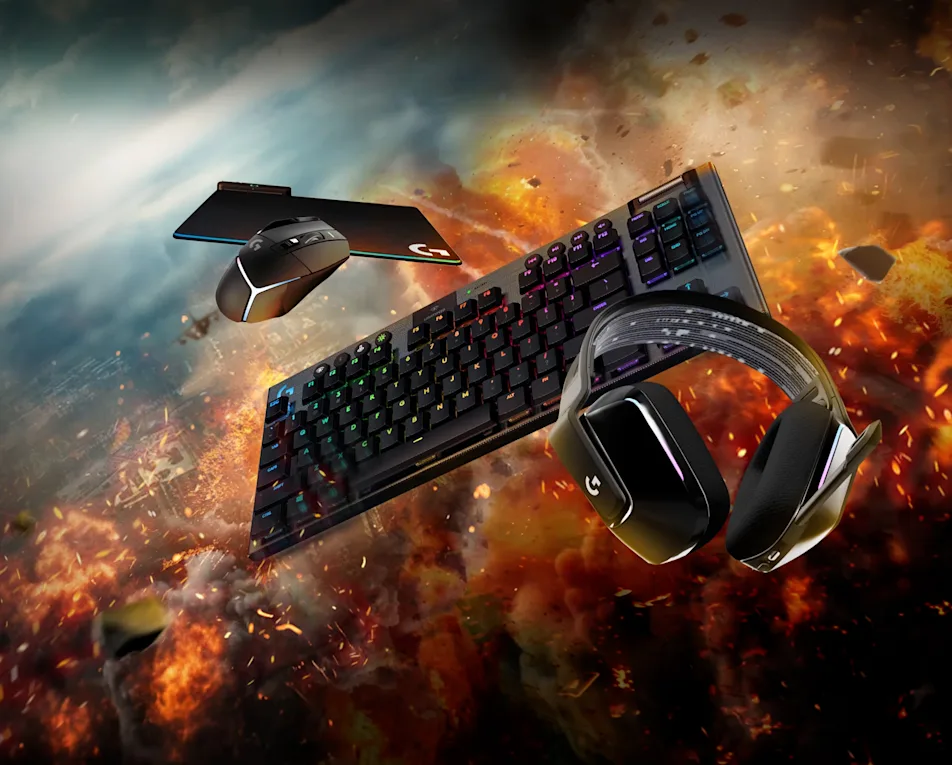
Save up to $100 off
Build your setup with limited-time offers across selected Logitech G gear.
Shop nowLogitech G HUB / Control software
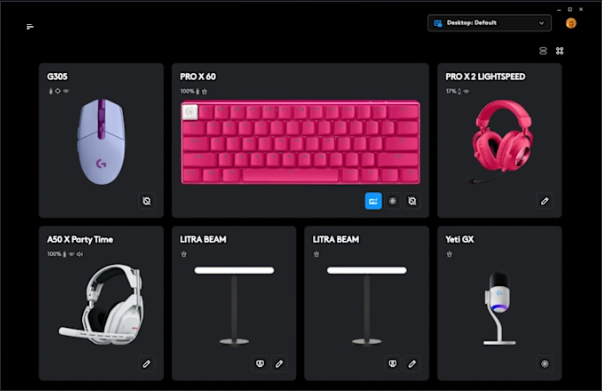
One command center for supported Logitech G mice, keyboards, headsets, microphones and racing gear. Build profiles, tune performance and keep every setup ready.
Build your setup with limited-time offers across selected Logitech G gear.
Shop now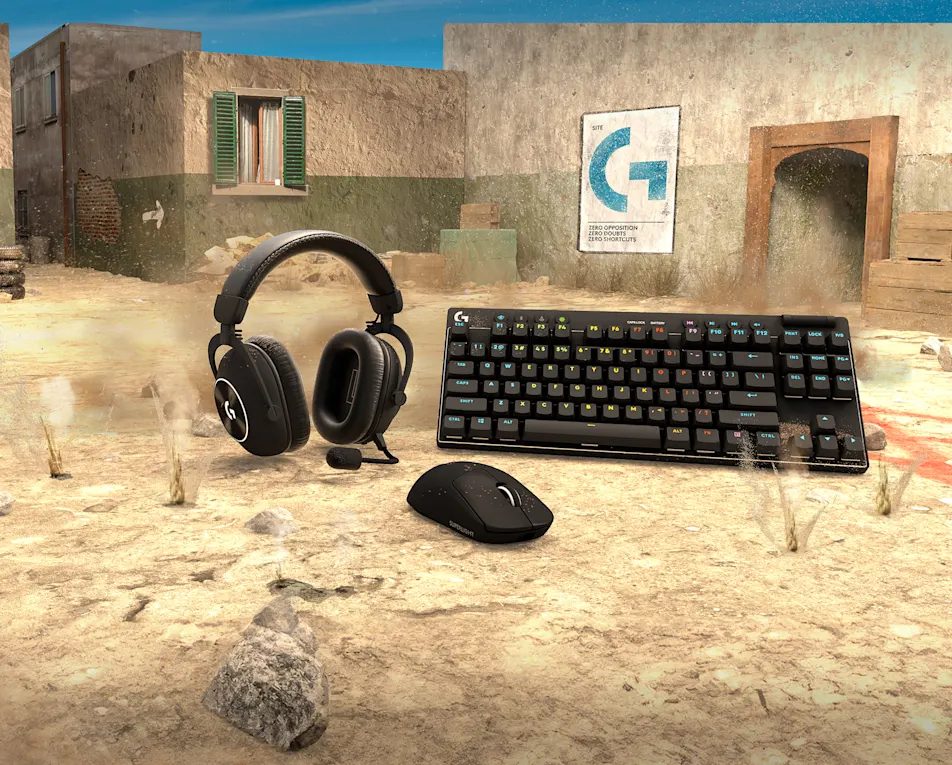
Battle-ready precision for fast aim, clear comms and decisive control.
Shop FPS gearDiscover new ways to play, explore endless possibilities and connect with a community that inspires.
Explore announcements, challenges and stories from the wider Logitech G community.
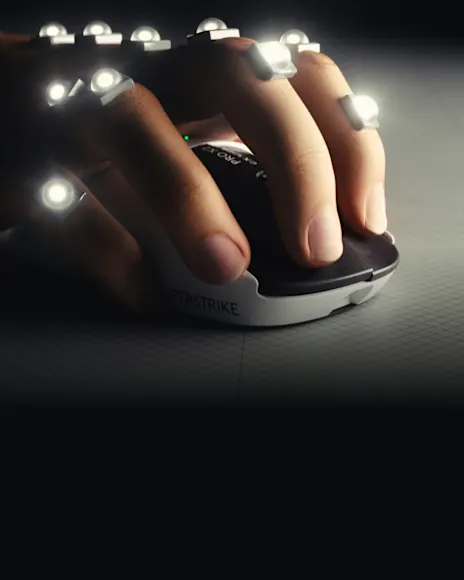
Performance hardware shaped by competitive players and precision testing.
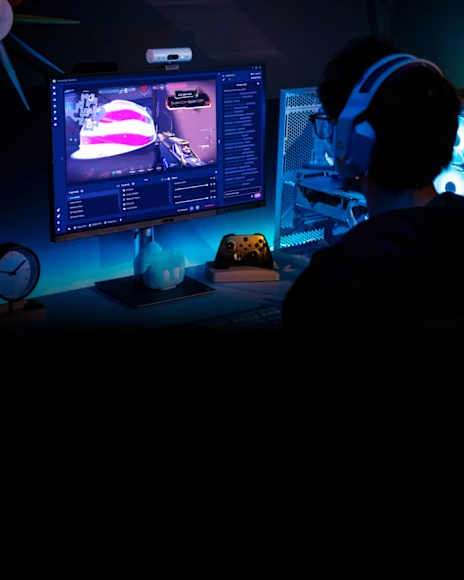
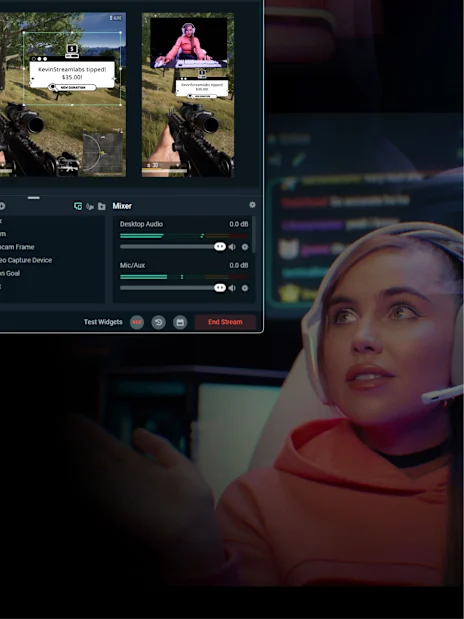
Create a community around your gameplay with streaming tools and connected gear.
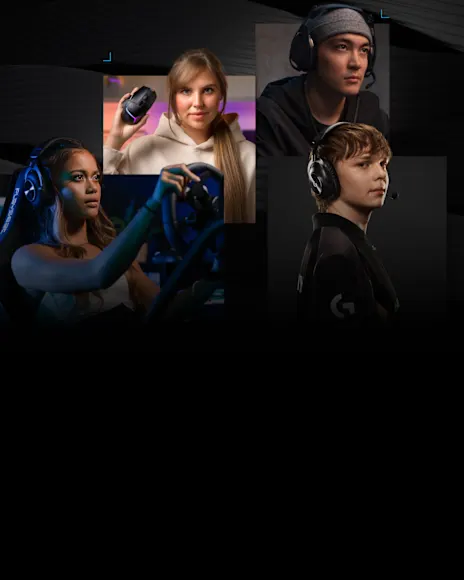
Discover the people, ideas and gear that keep gaming culture moving forward.

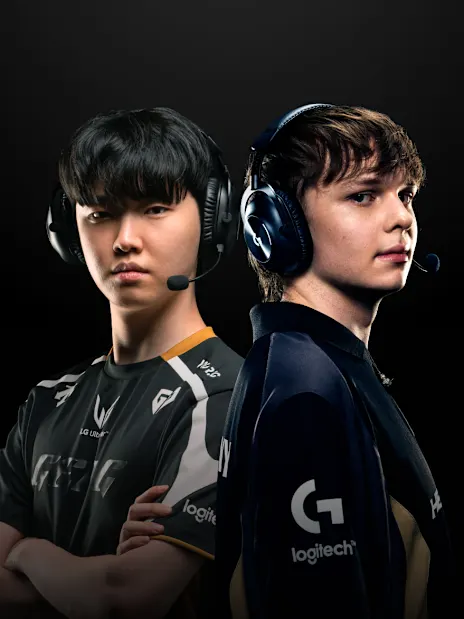
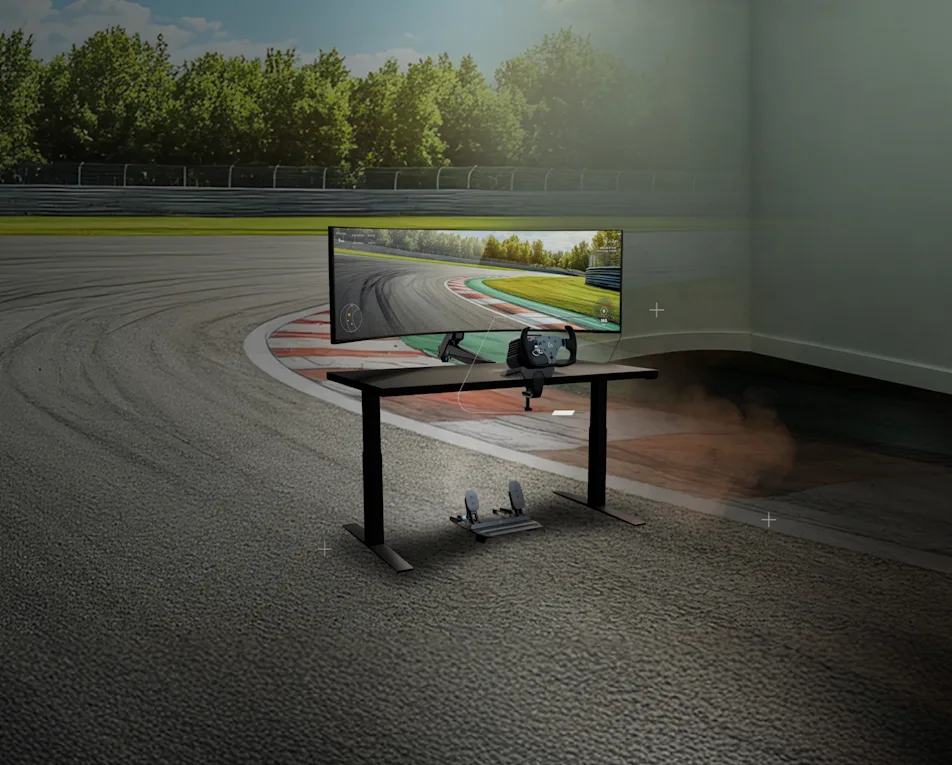
Competition, racing and esports programs built around high-performance play.
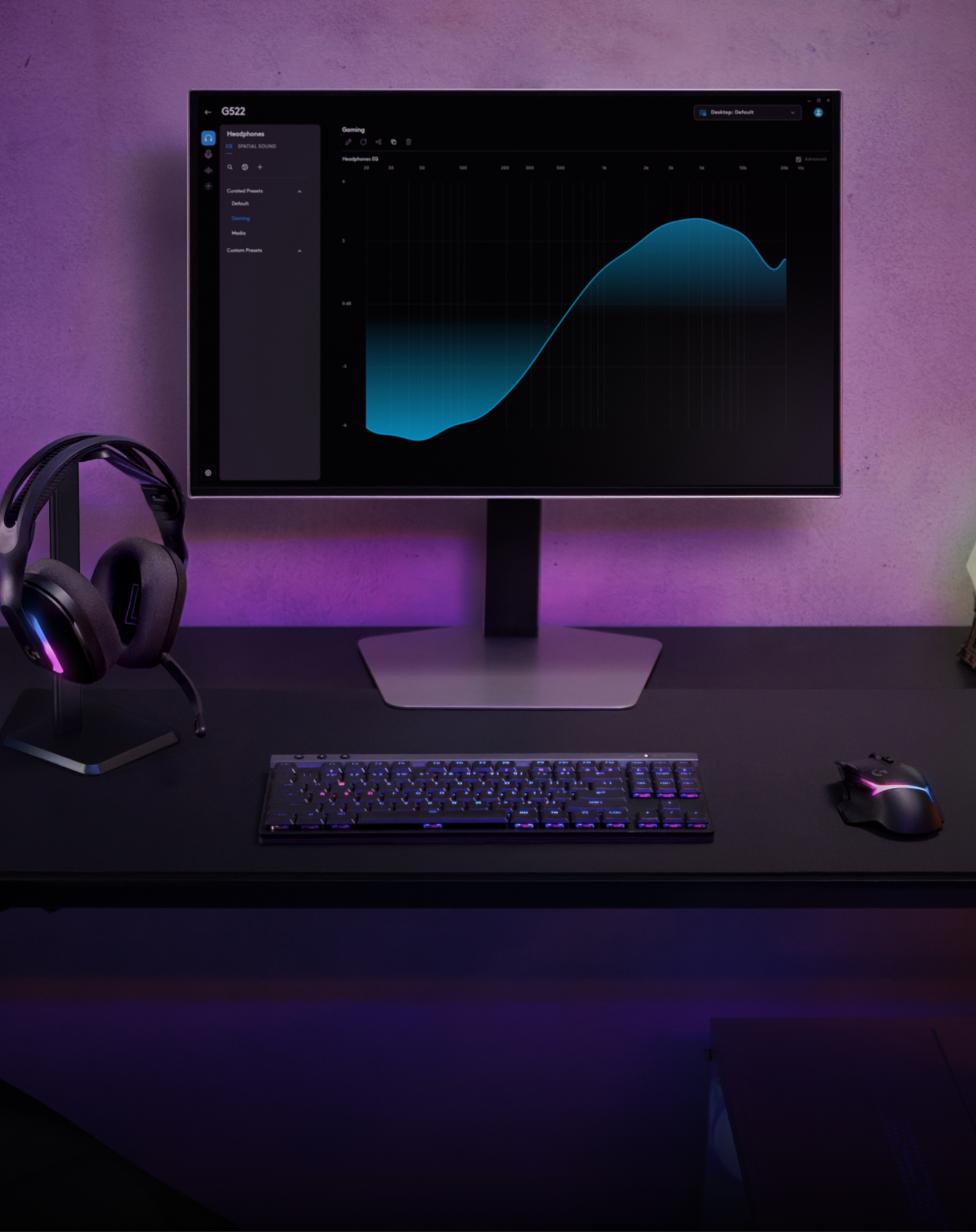
Start with profiles, assignments, lighting and the controls that matter most.
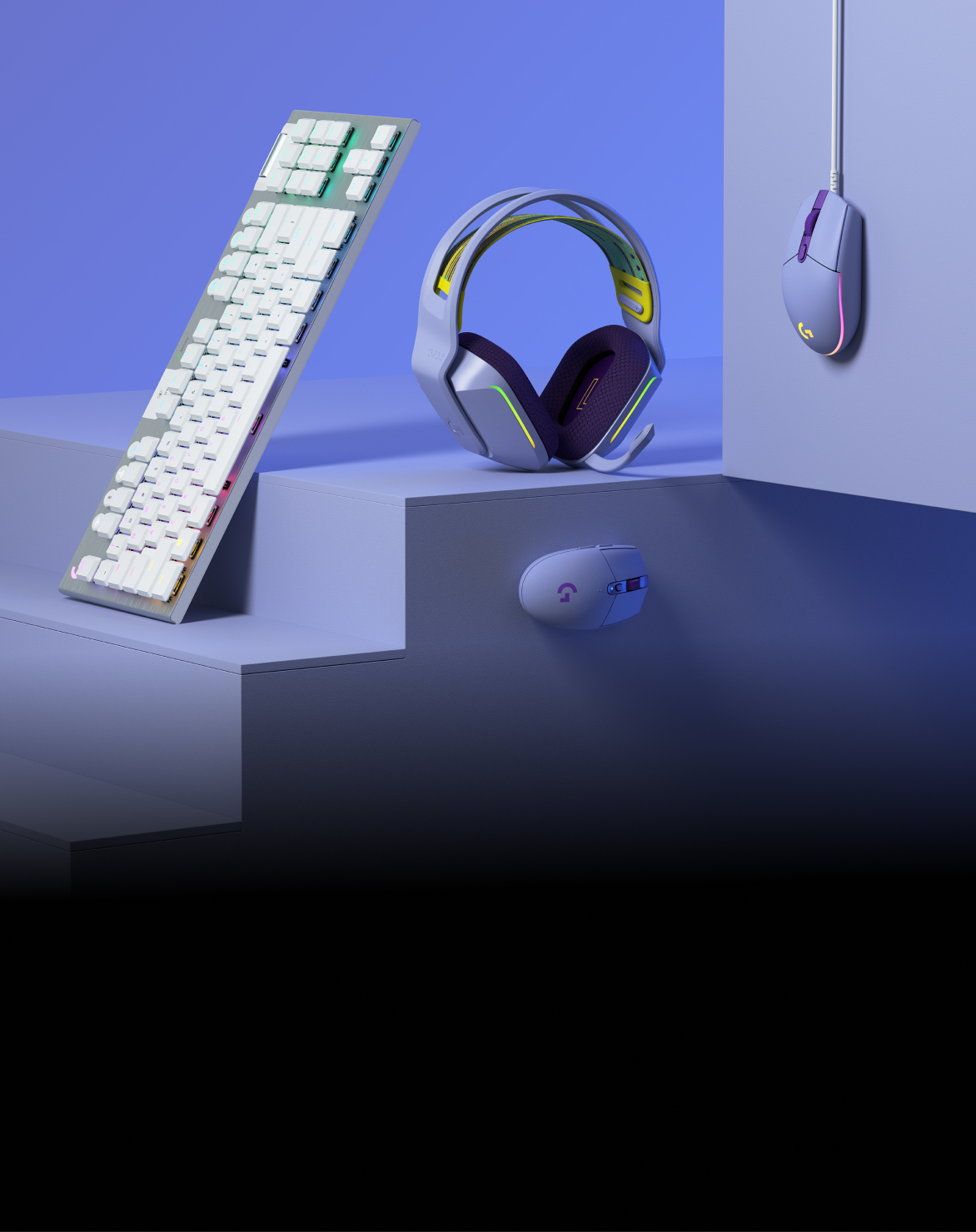
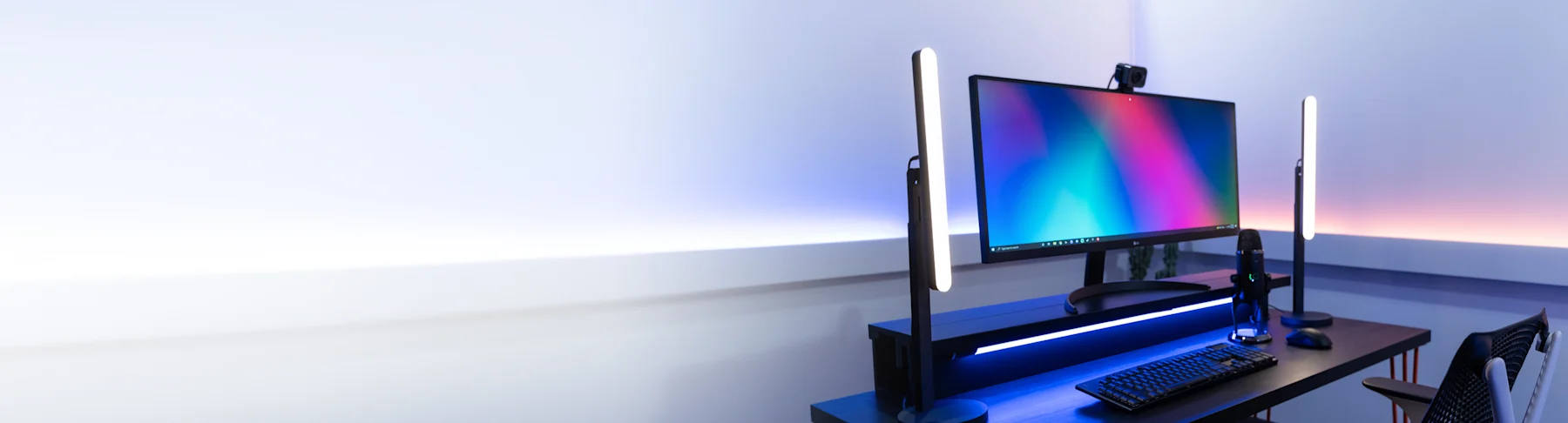
Coordinate gaming gear with a setup designed around your visual style.
Everything needed to shop, configure and support a complete Logitech G setup.

Eligible orders can receive free delivery in supported regions.

Clear return options for qualifying orders.

Flexible payment options may be available.

Verified students may qualify for discounts.

Find guidance, order help and support channels.

Sign up for selected products and savings.
DPI. Lighting. Macros. Audio. Assignments. Keep the controls that matter attached to the game that needs them.
Explore G HUB featuresLarge controls for the settings you change often, with deeper options ready when a profile demands precision.
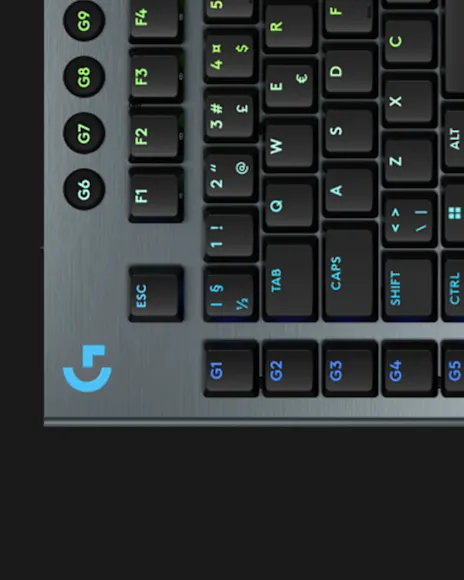
Build keyboard layers, G-key assignments and macros around your own layout. Automatic game detection can call the right profile when a configured title launches.
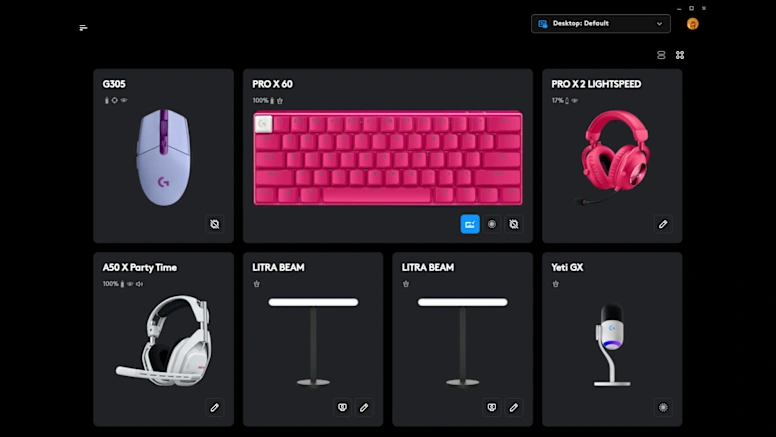
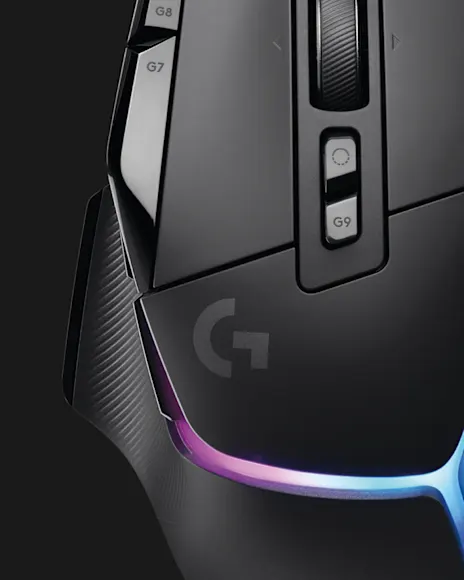
Set DPI stages for fast movement, deliberate aim and desktop work. Supported mice can store essential settings in onboard memory.
Synchronize color across supported gear or keep device-specific effects tied to a game profile. Windows Dynamic Lighting support is available on compatible systems.
Shape headset EQ, microphone behavior and stream routing in one visual workflow. Supported audio hardware exposes the options built for it.
 Mice
MiceDPI stages, assignments and onboard profiles for supported G mice.
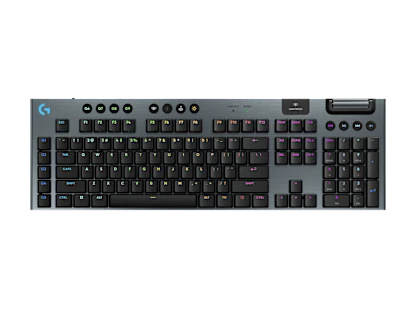 Keyboards
KEYCONTROL assignments, macros, game mode and LIGHTSYNC scenes.
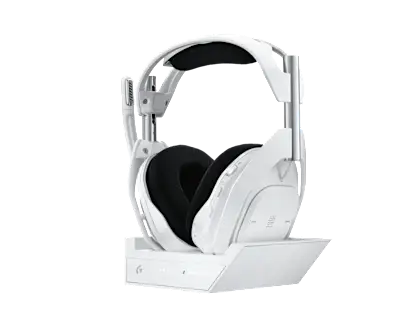 Headsets
Supported EQ, microphone, routing and spatial audio options.
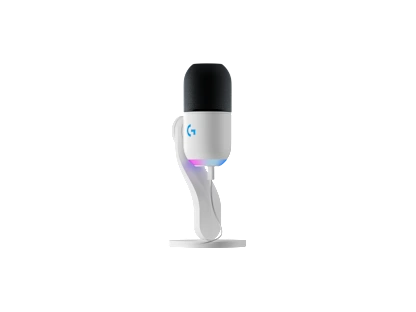 Microphones
Microphone gain, effects and Mixline workflows for compatible hardware.
G HUB is built around supported Logitech G hardware. Other control suites serve different product families.
| Capability | Logitech G HUB | Logi Options+ | Razer Synapse |
|---|---|---|---|
| Primary devices | G mice, keyboards, headsets, wheels and mics | Logitech productivity hardware | Razer peripherals |
| Lighting system | LIGHTSYNC and supported Dynamic Lighting | Limited productivity controls | Chroma RGB |
| Game profiles | Automatic executable-based switching | Application actions | Game-linked profiles |
| Audio workflow | Supported EQ, microphone tools and Mixline | Meeting-oriented controls | Device-dependent audio tools |
Keep aim, macros and lighting together instead of rebuilding controls before every session.
Community presets and account features help move useful configurations between setups.
Supported devices appear in one control center with options tailored to each model.
Keep aim, macros and lighting together instead of rebuilding controls before every session.
Community presets and account features help move useful configurations between setups.
Supported devices appear in one control center with options tailored to each model.
The essentials about cost, compatibility, safety and profile behavior.
Open the complete FAQYes. G HUB is free proprietary configuration software for supported Logitech G devices.
Current builds support Windows 10 and Windows 11. Dynamic Lighting needs a compatible Windows 11 build and supported hardware.
Security tools can misclassify updater or agent behavior. Verify the source, signature and published hash before allowlisting anything.
They can switch when a configured game executable runs. A locked persistent desktop profile can override that behavior.
Download Logitech G HUB and bring supported gear, game profiles and performance controls into one focused workspace.
↓ Download Logitech G HUB